What you need
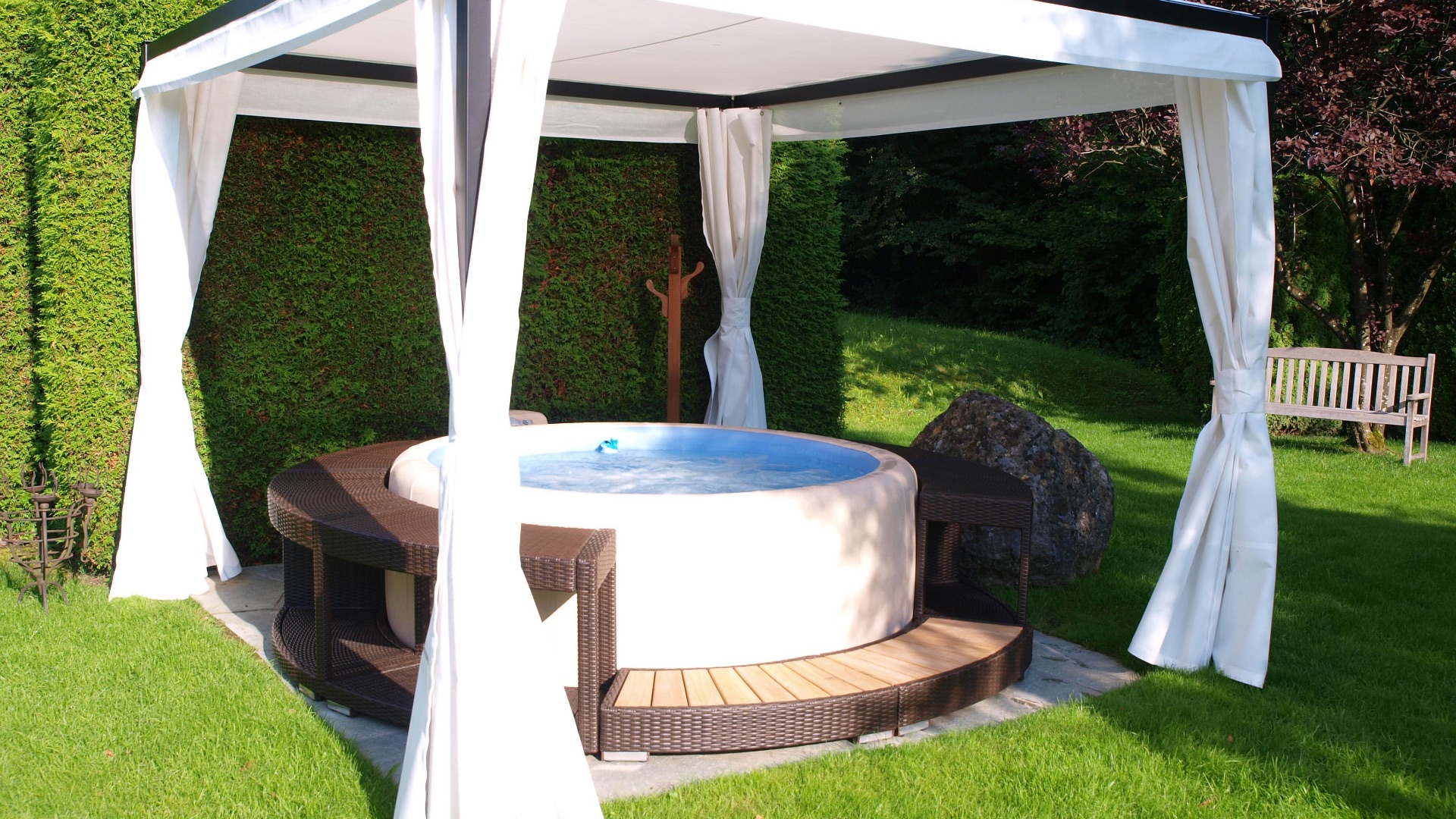
- A Jacuzzi or Sundance hot tub with SmartTub. The SmartTub module connects the tub over its own cellular link, so it doesn't depend on the rental's Wi-Fi. If you can change the tub's temperature in the SmartTub app, STR Spark can too.
- The email and password you use in the SmartTub app.
- An STR Spark account with your property in it. Start a free trial, then import your Hospitable properties or Hostaway listings, or add a property with its iCal calendar link.
Tubs on the older ProLink (Jacuzzi) or SunSmart (Sundance) apps can't connect. Your dealer can upgrade them to SmartTub. A Balboa tub on ControlMySpa has its own guide.
1. Add your SmartTub account
If you've set a heating schedule or vacation mode in the SmartTub app, turn it off first: it would fight STR Spark's settings.
Sign in to STR Spark. Choose Integrations in the menu on the left, press Add device account and choose SmartTub. Enter the email and password you use in the SmartTub app, then press Connect and find devices. STR Spark stores your login encrypted and uses it only to read and set your tubs.
SmartTub doesn't offer an official connection, so this one is marked beta: STR Spark connects the same way the SmartTub app does. It's also our newest hot tub connection, so press Test (step 3) before you switch a tub on. It works today, but it can stop if Jacuzzi changes the app. If it does, your tubs are left as they are, and the account on Integrations shows what went wrong.
2. Link each tub to its property
Open Devices. Your tubs are listed under SmartTub by brand and model, each Not linked and not enabled: STR Spark changes nothing until you've linked it and switched it on. In the Property column, pick the property each tub belongs to.
3. Pick a preset and turn it on
Choose the tub's name to open its page, then pick a preset:
| Default | Frugal | |
|---|---|---|
| Ready before check-in | 24 hours | 12 hours |
| Water temperature for guests | 101°F | 100°F |
| Guests can choose between | 98–104°F | 96–102°F |
| While the property is empty | 97°F | 95°F |
Or choose Custom and set your own. Press Test to see what STR Spark would set right now without changing anything, then switch Enabled on and press Save settings.
Morning reset is on in every preset, at 5 am in the property's timezone. Guests can turn the tub up for an evening soak, to the top of your range, and the next morning STR Spark puts it back to your guest temperature. Your heater isn't left working at 104°F for the rest of the stay. To change the time, choose Custom and pick any hour from 4 am to 11 am, or Off.
Once a tub is enabled, STR Spark follows the property's bookings:
- Before check-in, it heats the water to your guest temperature. Tubs heat slowly, often only about 3°F an hour, so it starts well ahead of arrival.
- During a stay, guests can adjust the tub within your range. If they set it outside the range, STR Spark sets it back to your guest temperature.
- After checkout, it lowers the water to your empty-property temperature and holds it there until the next guest is due. It never lets the tub go cold.
- If the tub is in a heat mode that only heats during filter cycles, such as economy or rest, STR Spark moves it to the nearest mode that keeps the water at temperature.
For the reasoning behind these numbers, read What temperature to keep a rental hot tub between guests.
If something goes wrong
- "That didn't work" when connecting. Check that the email and password sign in to the SmartTub app, then try again.
- A tub shows as offline. Its SmartTub module has lost its connection. Check it in the SmartTub app, or ask your dealer.
- The temperature keeps changing on its own. A SmartTub schedule or vacation mode is still on. Turn it off in the app.
- The account shows Reconnect. You may have changed your SmartTub password. Press Reconnect and enter the new one.
Still stuck? Email us or book a call.