We learned this the expensive way: $1,400 in refunds from a tub that went cold, and an $848 heater repair after it sat at 104°F for days.
Here's why, with the numbers.
1. Keep it warm: a cold tub costs you a day and a review
Turning the tub off between bookings seems like an obvious saving. In practice it's the most expensive choice.
Heating from cold takes a lot of energy and a lot of time. Raising 1 gallon of water by 1°F takes about 8.3 BTU. A typical 400-gallon tub therefore needs about 1 kWh for every degree. Starting from 50°F winter tap water, getting to 100°F takes roughly 49 kWh, before counting the heat lost while it warms.
The hours hurt more than the kilowatt-hours:
| Heater | Time from 50°F to 100°F (roughly) |
|---|---|
| 5.5 kW (240 V, most full-size tubs) | about 9 hours |
| 4 kW | about 12 hours |
| 1.5 kW (120 V "plug and play" tubs) | about 33 hours |
If a same-day booking arrives, or a cleaner forgets to turn the tub back on, your guest gets a lukewarm tub, and that shows up in the review.
A cold tub in a Pacific Northwest winter can also freeze. A frozen pump, heater or plumbing line costs far more than a winter of electricity. A warm, circulating tub doesn't freeze.
It happened to us. Our hot tub at a cabin in Granite Falls, WA takes about 24 hours to heat from 70°F to 100°F, and that's starting warm, not cold. The cabin rents for $700 a night. One tripped breaker left the tub cold. Nobody knew until the guests arrived, and by the time it was hot again, we had refunded 2 of a 3-night stay: $1,400 lost. That's more than the tub's electricity for the entire winter.
Two things would have saved that booking: a tub that was already warm, and finding out about the breaker the moment it tripped instead of when the guests did.
2. Hold it at 95°F, not 100°F, while the property is empty
A hot tub loses heat constantly, and how fast depends on how much warmer the water is than the air around it. On a 35°F night, a 100°F tub is 65°F warmer than the air. At 95°F it's 60°F warmer, so it loses heat about 8% more slowly.
That's the whole saving. You don't "pay it back" when you reheat from 95°F to 100°F: the roughly 5 kWh you spend reheating is heat you didn't put in, so it never had a chance to escape. Overall you use less, because the tub spent the empty days losing heat more slowly.
Estimated standby use for a well-insulated 400-gallon tub on a 35°F day:
| Held at | Standby power | Energy per day | Cost per day* |
|---|---|---|---|
| 104°F | ~446 W | ~10.7 kWh | ~$1.39 |
| 100°F | ~420 W | ~10.1 kWh | ~$1.31 |
| 96°F | ~394 W | ~9.5 kWh | ~$1.23 |
| 95°F | ~388 W | ~9.3 kWh | ~$1.21 |
| 90°F | ~355 W | ~8.5 kWh | ~$1.11 |
Assumes $0.13/kWh. Estimates based on the California Energy Commission's standby-power limit for a 400-gallon tub, scaled to a 35°F day. Older tubs, worn covers and windy decks lose more, sometimes much more, and the percentage saved is about the same.
What that means:
- Every 5°F you drop between guests saves roughly 8% of standby energy while the property is empty.
- A longer gap can take a deeper setback. Over a week-long vacancy, holding at 90°F saves about 16%. You just need to start reheating earlier: 10°F takes about 2 hours on a 5.5 kW heater and much longer on a 120 V tub.
- Don't go lower than you can reheat in time. The goal is a 100°F tub at check-in, every time.
3. Guests turned it to 104°F? Set it back after they leave
Plenty of guests turn the tub to 104°F, the usual maximum. That's their call during the stay, but nobody turns it back down when they check out. The tub then sits at 104°F until the next guest, losing heat about 6% faster than at 100°F and about 15% faster than at 95°F.
Once one guest leaves it at 104°F, every empty day costs more until someone notices. Across a season, that adds up for the price of a setting nobody remembered to change.
It happened to us too. Our Granite Falls tub was often left at 104°F for days after guests checked out. Eventually the heating element burned out, and the repair cost $848. In our experience, a heater working to hold the maximum temperature day after day, with nobody using the tub, wears out sooner. Resetting the temperature after checkout saves power and is easier on the equipment.
The U.S. Consumer Product Safety Commission advises that hot tub water should never be above 104°F. If you want, set a cap so the tub can't be left above your guest temperature.
The routine that works
| When | Setting |
|---|---|
| Guest checks out | Set back to 95°F (or 90°F for long gaps), even if a guest left it at 104°F |
| Property is empty | Hold the setback. Never off in winter. |
| Before check-in | Start reheating early enough to reach 100°F with a margin. Our Granite Falls tub gains a little over 1°F an hour, so 95°F → 100°F takes about 4 hours. Time your own. |
| During the stay | Leave it to the guest (optionally with a maximum) |
Also check the cover every turnover. A cover that's waterlogged or doesn't seal can lose more heat than any setting saves.
How STR Spark does this for you
Remembering this for every booking is the hard part. STR Spark reads your calendar and does it for you:
- Sets the tub back after checkout, including tubs guests left at 104°F
- Starts reheating 24 hours before check-in by default (you can change it per tub), so it's hot when guests arrive
- Holds a minimum temperature, so an empty tub never goes cold or freezes
- Lets guests choose during stays, anywhere from 98°F to 104°F, with a maximum you can set
- Emails you if the tub stops responding, for example after a tripped breaker or a Wi-Fi outage, so you find out days before check-in instead of when guests arrive
- Makes no changes if it can't read your bookings
Out of the box it holds an empty tub at 97°F and heats to 101°F for guests, and each morning of a stay it goes back to 101°F. To use this guide's numbers, choose the Frugal preset on the tub's page: 95°F while empty and 100°F for guests. You can also set your own for each tub.
It works with Balboa tubs through ControlMySpa and with Jacuzzi and Sundance through SmartTub. No new hardware is needed.
Start a free dry run → to see what it would do with your next booking before it changes anything.
Want to see what a setback is worth at your properties? Try the heating savings calculator.
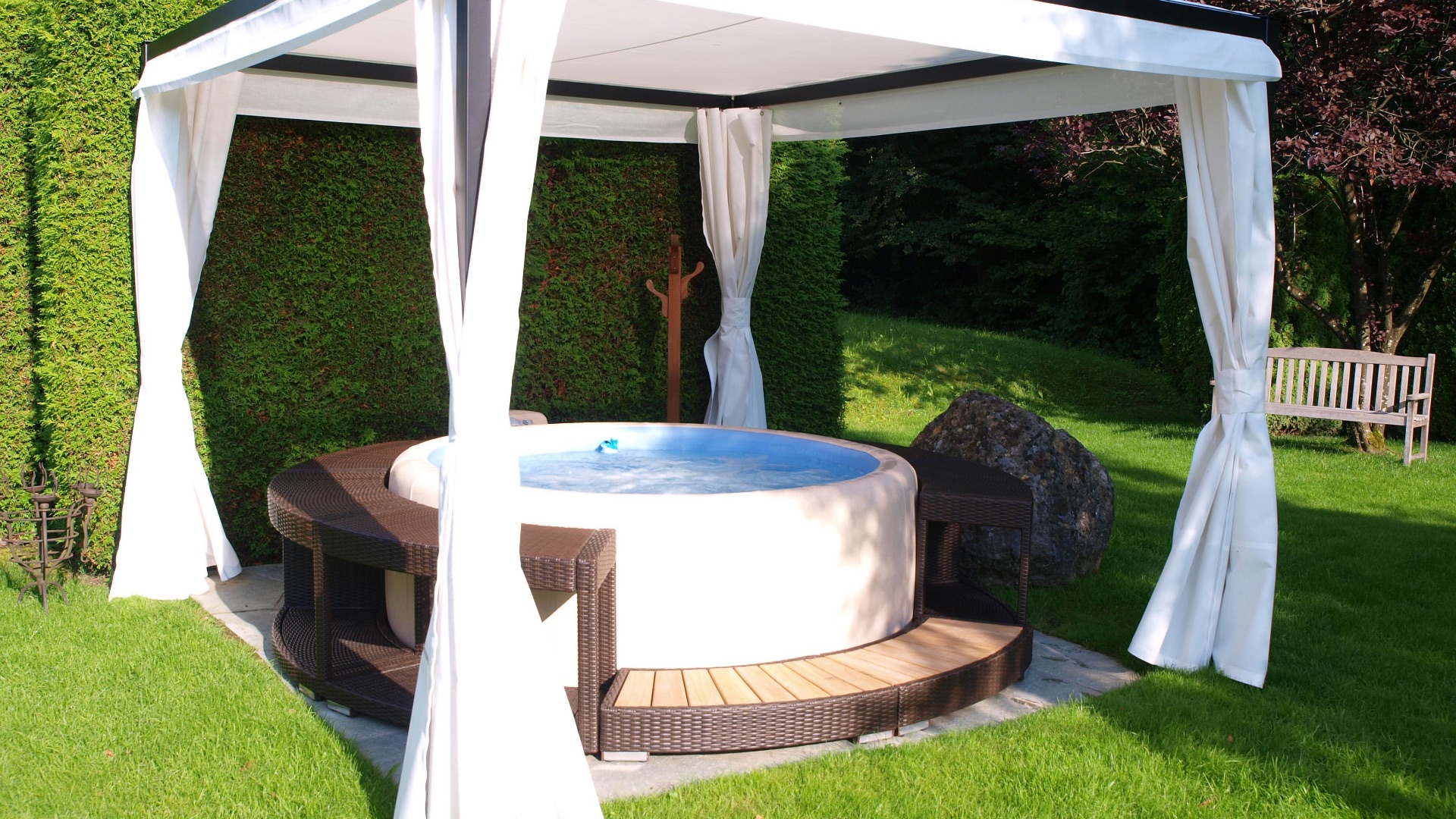
Photo: Almangeshi, CC BY-SA 4.0, via Wikimedia Commons.